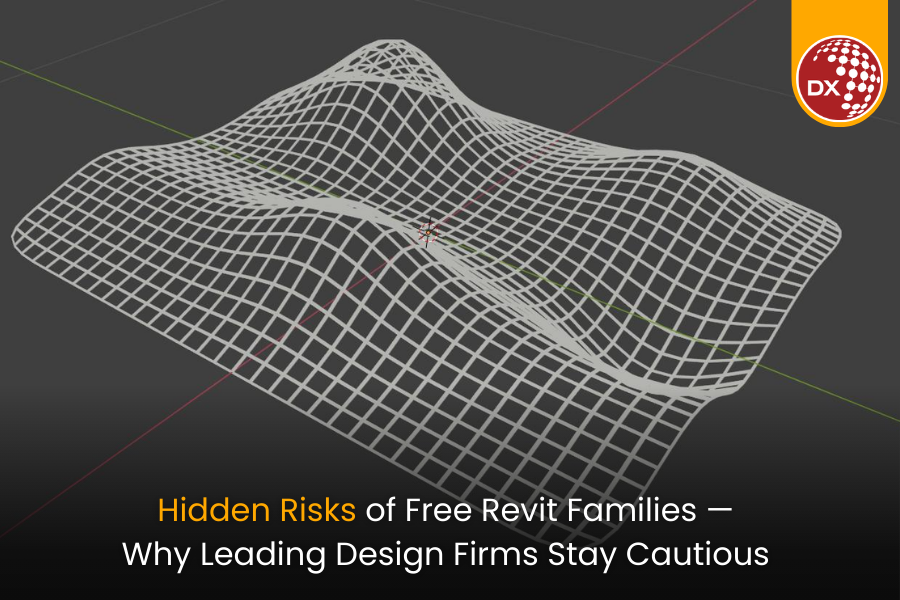
In today’s design and construction landscape, efficiency and accuracy define competitive advantage. When deadlines are tight and projects grow increasingly complex, many design professionals look for shortcuts to accelerate modeling and documentation. One common approach is downloading free Revit families from online sources.
At first glance, these families seem like a time-saver — instantly accessible, diverse, and free of charge. But for leading design firms managing multi-disciplinary BIM workflows, these “free” assets often introduce more problems than benefits. Let’s explore why firms that prioritize performance, consistency, and reliability often avoid freely available Revit families, and how your team can manage content smarter.
1. Model Instability and Performance Degradation
Revit families sourced from public libraries can be poorly optimized. Many contain excessive geometry, nested elements, or unnecessary detail levels, which significantly increase file size and slow down model performance.
At firm scale — where multiple users collaborate across linked models — these inefficiencies multiply, resulting in lag, crashes, or model corruption. Over time, your project teams spend more effort managing instability than producing deliverables.
2. Inconsistent Parameters and Naming Conventions
Every firm has its own BIM standards and naming protocols designed to ensure interoperability across disciplines. Online families rarely align with these standards.
Freely available Revit families often introduce inconsistent parameter structures, unclassified data fields, or conflicting naming systems, making schedules, tags, and filters unreliable.
This inconsistency forces BIM coordinators and model managers to perform manual cleanups — a tedious task that undermines the very productivity those free assets were supposed to deliver.
3. Broken Constraints and Unreliable Data
Many downloadable families are created without considering proper parametric relationships or BIM use cases. These broken constraints lead to geometry distortions when scaled or re-hosted, causing alignment and clash issues during coordination.
Even worse, such families often contain incorrect or incomplete metadata, reducing the quality of asset information passed to contractors and facility managers — directly affecting project handover and lifecycle performance.
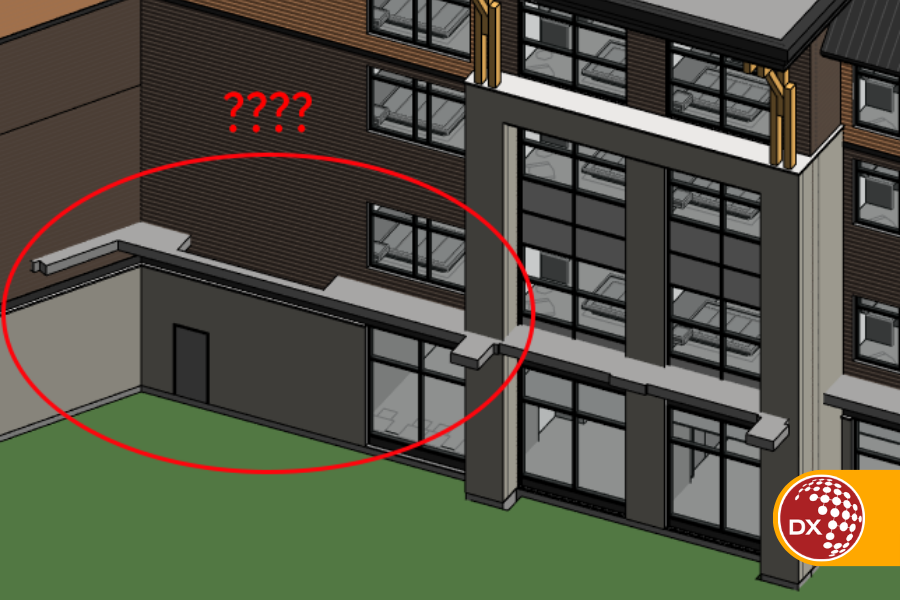
4. Late-Stage Rework and Coordination Issues
When these issues remain unnoticed early in design, they surface during coordination or documentation — precisely when project timelines are most critical.
Late-stage fixes for broken families can delay deliverables, require re-modelling of entire systems, and disrupt collaboration between architectural, structural, and MEP teams. The cumulative impact? Cost overruns, missed deadlines, and loss of client confidence.
5. QA/QC Failures During Documentation
A firm’s quality assurance and quality control (QA/QC) processes depend on reliable family templates and standardized metadata. Using online families bypasses these controls, making it harder to maintain drawing accuracy, tag consistency, and schedule integrity.
When auditors or clients request validation, non-standard or incomplete data within these families can lead to compliance issues and rejected submittals.
6. Increased Professional and Delivery Risk
In the AEC industry, professional liability extends to the accuracy and reliability of design documentation. Incorporating unverified Revit families from unknown sources increases the risk of design discrepancies, inaccurate data, and misrepresented specifications.
For leading design firms, such risks are unacceptable — even a single data error in a critical component can have legal, contractual, and reputational consequences.
Smarter Alternatives for Firms
Top-performing firms don’t reject Revit families altogether — they just manage them better.
They invest in:
- Centralized, vetted content libraries built to firm standards.
- Automated QA/QC scripts for validating family geometry and parameters.
- Periodic reviews of family data to ensure alignment with evolving BIM protocols (like ISO 19650).
- Internal training to help modelers understand when and how to safely incorporate third-party content.
By building controlled BIM content ecosystems, firms maintain the agility to design faster — without compromising integrity.
Join Our Webinar: Building Trust in BIM Content
To dive deeper into this topic, DGTRA is hosting a webinar on how leading design firms are tackling Revit content challenges at scale.
Learn how to:
✅ Identify unreliable Revit families before they enter your projects
✅ Build content libraries aligned with ISO 19650 and firm standards
✅ Streamline QA/QC for long-term BIM efficiency
✅ Protect your projects from hidden risks in digital assets
📅 Webinar: Why Most Leading Design Firms Avoid Freely Available Online Revit Families
🌐 Register now at: https://zma.page/revit